
Looking for SVG cut files for your Brother ScanNCut? Hip Kit Club offers a library of 1,000+ original cut files designed for scrapbooking, card making, and paper crafts -- all compatible with Brother ScanNCut DX, CM, and SDX models. Every file comes in SVG, PNG, DXF, and JPG formats so you can start cutting right away using Canvas Workspace.
Whether you're looking for free cut files to try or want access to our entire library, you'll find designs for every theme and season below.
Free SVG and DXF files for Brother ScanNCut
Every HKCMarket download includes SVG, PNG, DXF and JPG, so files import straight into Canvas Workspace. New files are added daily.
Browse free cut filesHow to Use Our Cut Files with Brother ScanNCut
Getting started with our cut files on your ScanNCut is simple:
Download your SVG file from your Hip Kit Club account
Open Canvas Workspace (web or desktop) and import the SVG file
Resize and position the design on your mat, then choose your material
Transfer to your ScanNCut via USB, WiFi, or direct connection and cut
Our files are pre-optimized with clean cut paths, so there's no need to trace or manually clean up the design. They import cleanly and are ready to cut on any Brother ScanNCut model.
Popular Cut Files for Brother ScanNCut
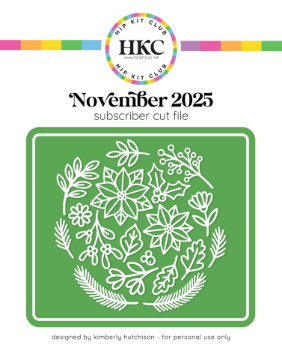
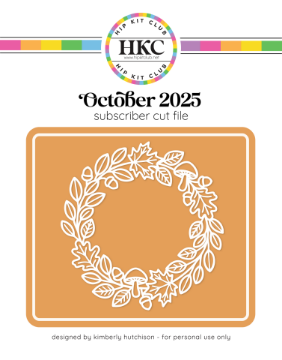
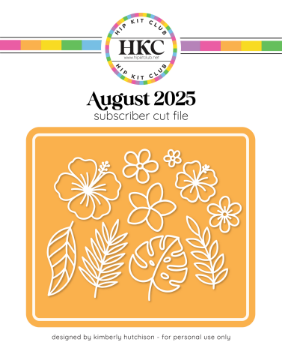
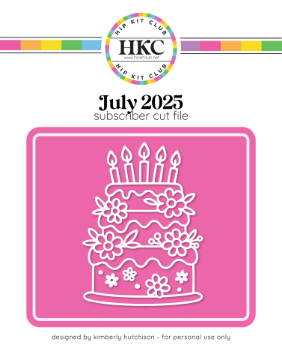
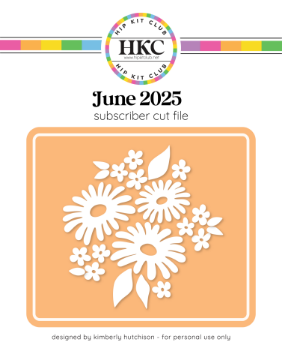
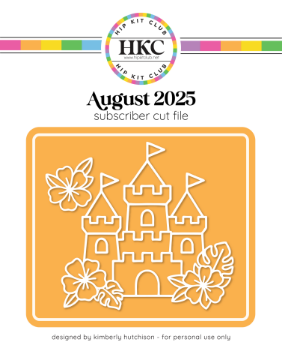
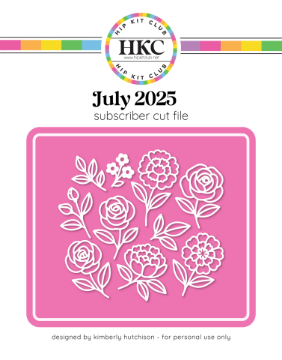
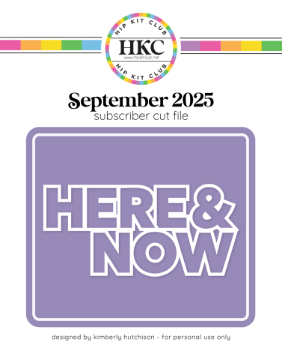
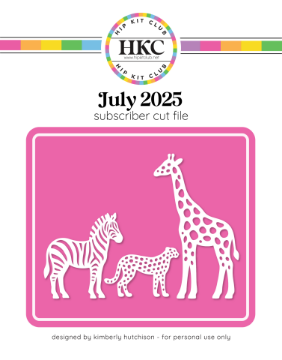
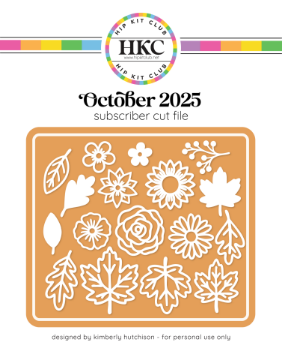
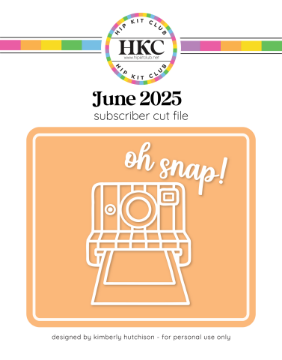
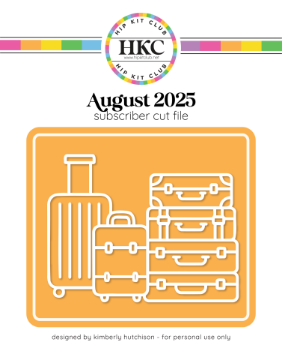
Here's a sample of designs from our library. Every file includes SVG, PNG, DXF, and JPG formats. Click any design to view details and download.
Browse Cut Files by Theme
Find the perfect design for your project:
Our cut files span every theme and season -- florals, holidays, birthday, travel, baby, geometric patterns, borders, frames, and everyday quotes. New designs are added every month as part of our monthly kit releases.
Free Cut Files for Brother ScanNCut
Want to try before you buy? We offer a selection of free SVG cut files that you can download immediately after creating a free account. These are full-quality files from our library, not previews, so you can test them on your ScanNCut and see the quality firsthand.
Why Buy One at a Time?
1,000+ cut files for just $59.95 -- that's less than $0.06 each.
Instant access to every cut file we've ever made -- plus every future release. All formats included (SVG, PNG, DXF, JPG).
Get Unlimited Cut FilesUsing Canvas Workspace with SVG Files
Brother's Canvas Workspace is the free software for designing and managing cuts on your ScanNCut. Here's what you need to know about using our files:
Canvas Workspace Web
The browser-based version supports SVG import directly. Go to the SVG tab, click Import, and select your downloaded file. Resize and position on the virtual mat, then transfer to your ScanNCut via WiFi.
Canvas Workspace Desktop
The Windows/Mac desktop app also supports SVG import. Use File > Import > SVG. The desktop version offers more editing tools and can transfer designs via USB stick or direct cable connection.
All four included formats (SVG, PNG, DXF, JPG) work with Canvas Workspace. SVG is recommended for the cleanest import with proper cut paths preserved.
More Designs from Our Library
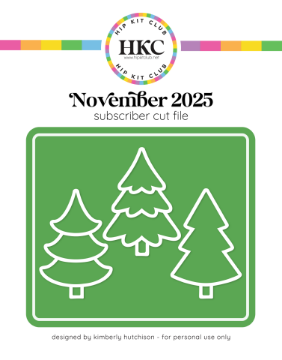
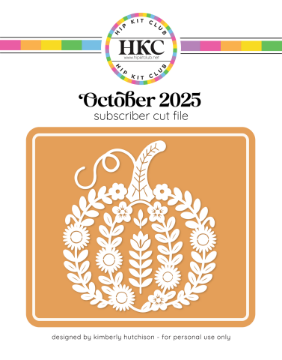
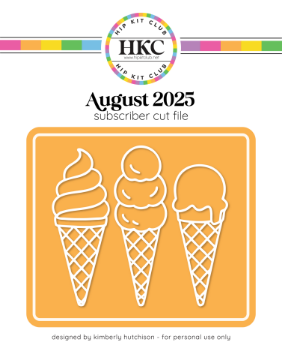
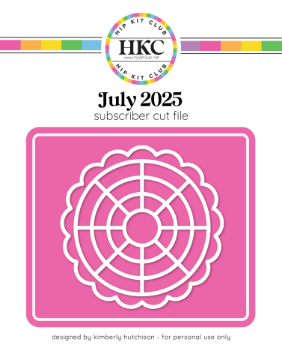
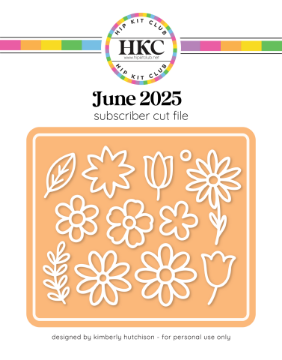
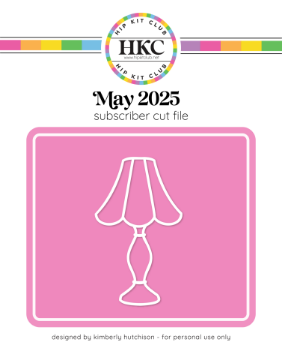
From florals to holidays, geometric patterns to hand-lettered quotes -- there's something for every project:
Cut Files for Other Machines
Our files work with all major cutting machines, not just Brother. If you use a different machine, check out our dedicated guides:
- Cut Files for Cricut -- Maker, Explore, and Joy
- Cut Files for Silhouette -- Cameo, Portrait, and Curio
Frequently Asked Questions
Which Brother ScanNCut models are compatible?
All ScanNCut models that support SVG import, including the DX series (DX230, DX235), SDX series (SDX230, SDX330D), and CM series with Canvas Workspace. If your machine connects to Canvas Workspace, it can use our files.
Can I use SVG files with Canvas Workspace?
Yes. Both the web and desktop versions of Canvas Workspace support SVG import. In the web version, use the SVG tab to import. In the desktop version, go to File > Import > SVG. Our files import cleanly with proper cut paths.
How do I transfer files to my ScanNCut?
Three options: WiFi transfer from Canvas Workspace (web or desktop), USB stick (save the FCM file from Canvas Workspace to a USB drive), or direct USB cable connection from your computer. WiFi is the most convenient for newer models.
Are there free cut files available?
Yes! We offer free cut files you can download after creating a free account. Full-quality files in all four formats. You can also get all 1,000+ files with Unlimited Cut Files for $59.95.
How do I download after purchase?
Log in to your Hip Kit Club account, go to "My Account" then "Downloadable products." Click the download link to get all four formats (SVG, DXF, PNG, JPG) in a single ZIP file.
Can I sell projects I make with these cut files?
Our cut files are licensed for personal use and small-batch handmade sales (craft fairs, Etsy shops, etc.). You cannot resell the digital files, but physical projects you make are yours to sell.
Get Instant Access to Every Cut File
1,000+ cut files for just $59.95 -- that's less than $0.06 each.
One purchase. 1,000+ designs. Every future release included. Works with Brother, Cricut, and Silhouette.
Get Unlimited Cut Files